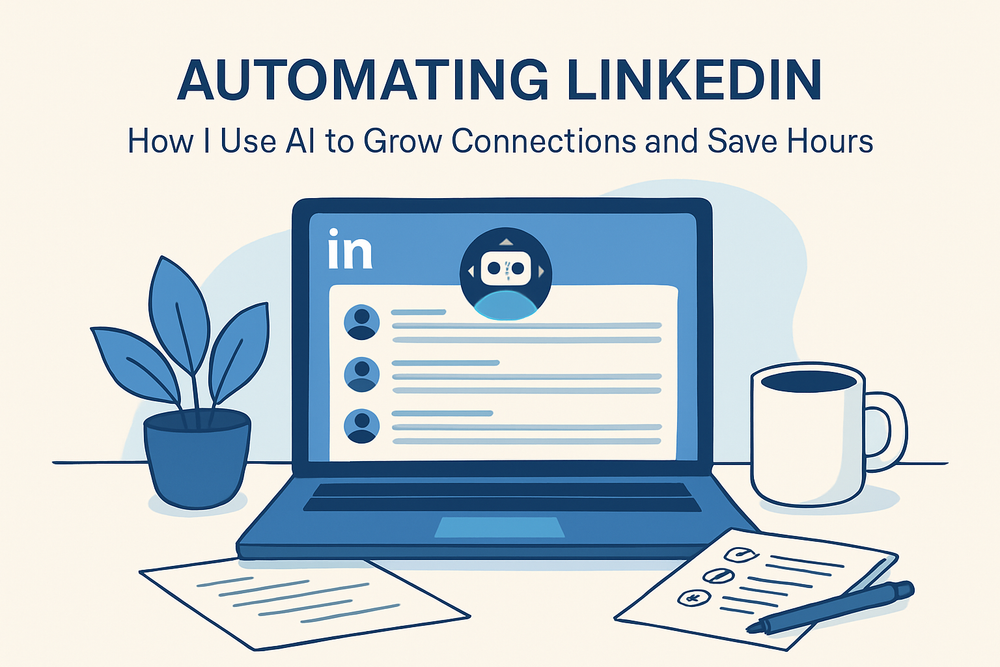
Automating LinkedIn: How I Use AI to Grow Connections and Save Hours
LinkedIn can be a goldmine — for networking, leads, or even just staying relevant. But let’s be honest: it’s also a black hole of repetitive clicks, awkward messages and time-wasting.
That’s where automation + AI changed everything for me.
Here’s how I streamlined my LinkedIn routine without losing the human touch.
TexAu — Automated LinkedIn Actions That Actually Work
I discovered TexAu while trying to avoid writing the same “Hi, thanks for connecting” message for the 50th time. It’s a no-code automation tool that plugs into LinkedIn and lets you:
- Auto-send connection requests with custom notes
- Scrape search results into structured leads
- Auto-like/comment based on filters (company, title, region)
- Export and sync leads to Google Sheets or your CRM
I’ve set up a workflow where:
- I define a target audience (e.g. “AI content marketers in Berlin”).
- TexAu pulls the list from LinkedIn search.
- It sends customized connection requests based on my template.
- When accepted, it auto-sends a follow-up message 1 day later.
It feels almost unfair — except it’s just smart use of tools.
Phantombuster — API-Level Power Without Writing Code
TexAu is great for visual flows, but Phantombuster goes deeper. I use it to:
- Monitor profile views (and auto-engage them)
- Extract people from LinkedIn event attendees
- Schedule activity to avoid looking spammy
- Track who responds, who doesn't and who engages
It’s more technical, but once you’ve built a few “phantoms” (their word for bots), it runs like clockwork. I like setting up multi-step automations that simulate my real activity — not mass-blasts.
Tip: stagger your actions with realistic delays. It’s safer and people don’t feel like they’re talking to a robot (even if... they kind of are).
Lavender — Writing Better Outreach Messages with AI
This one doesn’t automate, but it improves something most people get wrong: their messages.
Lavender is an AI assistant that helps you write clearer, more effective outreach — with tips like:
- Tone adjustment (too pushy? too vague?)
- Sentence clarity and structure
- Subject line feedback
- Real-time scoring of your message’s effectiveness
I draft all my follow-ups in Lavender now and the difference is noticeable. More replies, fewer awkward vibes.
What Changed For Me
Before this, I was manually connecting, typing the same messages and dreading outreach. Now:
- I spend ~20 minutes a week managing it all
- My connection rate is up 3x
- I get replies that feel real, not annoyed
These tools don’t replace the human part of LinkedIn — they amplify it. Think of them like an AI-powered assistant: you still decide what to say, they just help you say it faster (and to more people).